Bearing 302 / Five looks, real builds
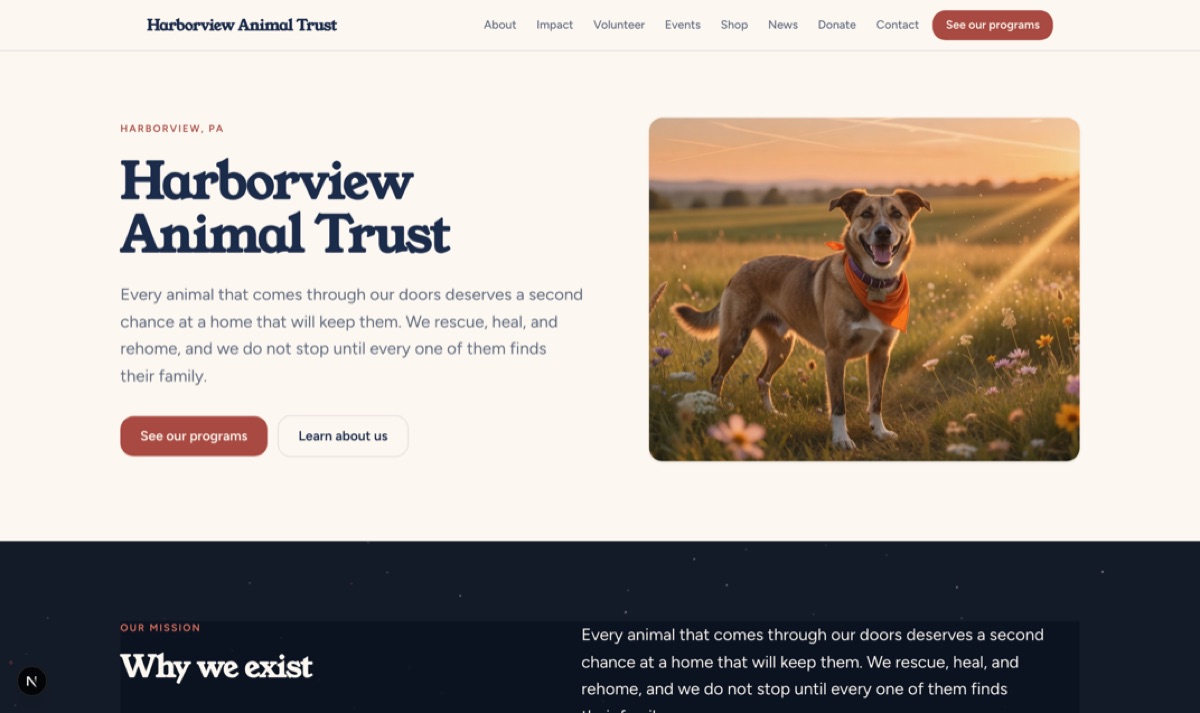
First Light
Harborview Animal Trust
Animal welfare
Warm, daylit, photograph first. Built for shelters and rescues that have a lot to show and one clear ask.
Open to any 501(c)(3)
We build it, you keep it, and it costs nothing. An agency quotes $1,500 to $4,500 for the same build. Hosting is free for 2 months, then $15 a month. Cancel whenever you like and the site is still yours.
Up to three finished designs of your own site, drawn by a person rather than picked out of a template gallery. You pick one.
Bearing 302 / Five looks, real builds
First Light
Animal welfare
Warm, daylit, photograph first. Built for shelters and rescues that have a lot to show and one clear ask.
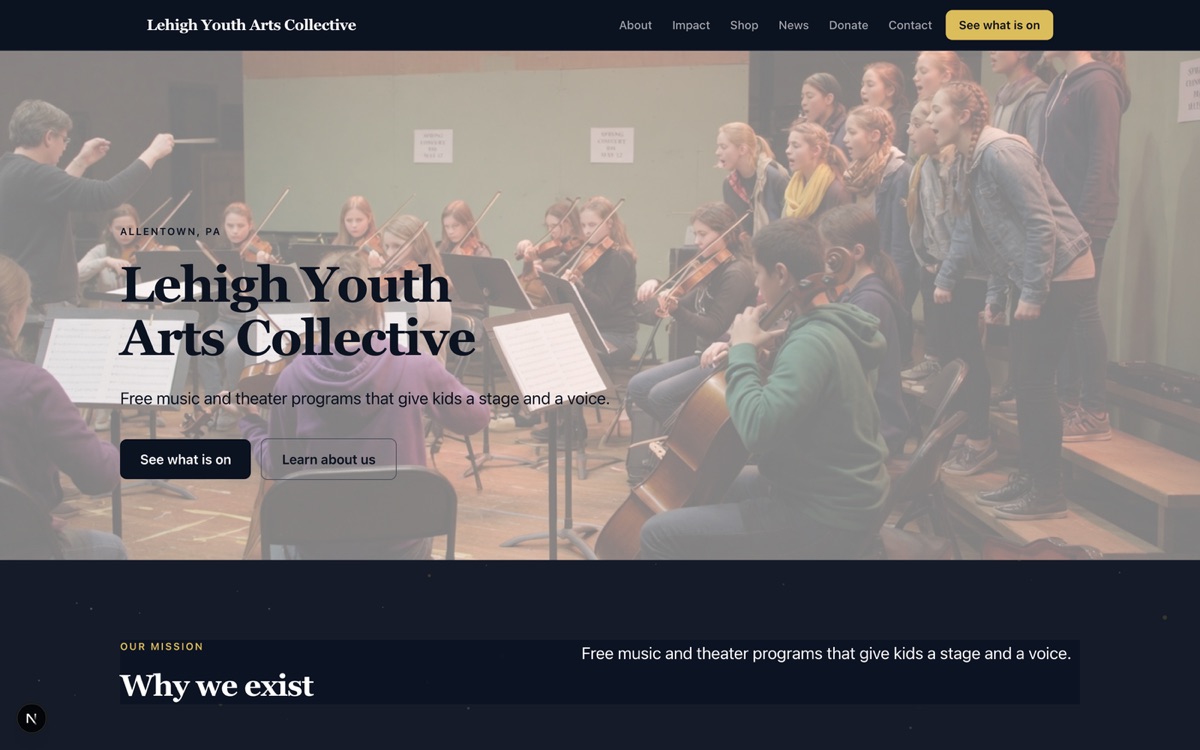
Bearing 331
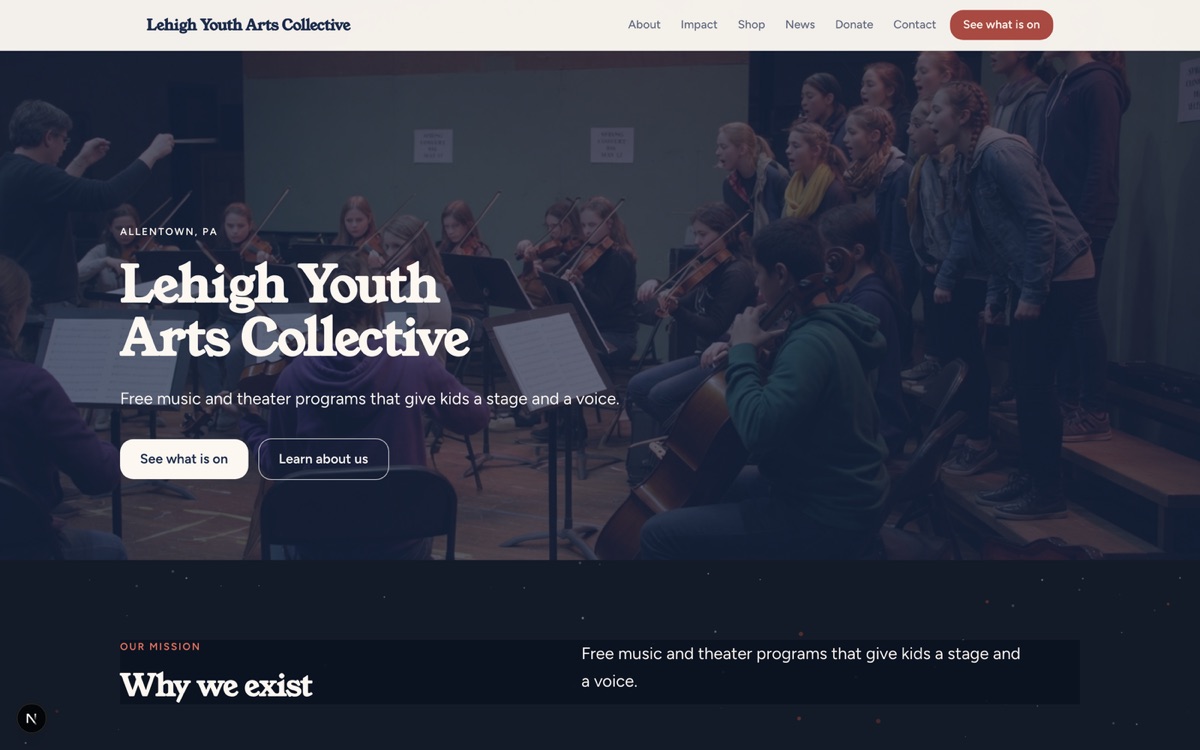
Midnight
Youth arts
Dark ground, bright work. For organizations whose programs are the photograph.
Bearing 000
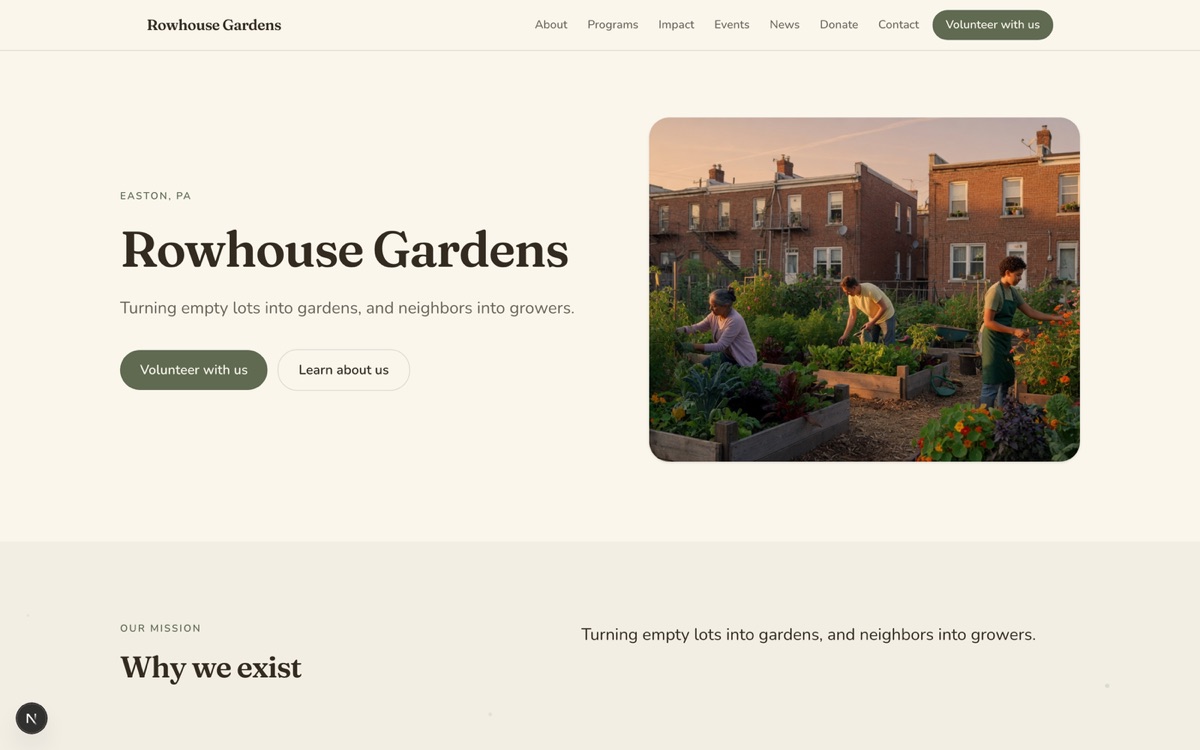
Meadow
Community gardens
Soft, green, unhurried. Suits gardens, land trusts, and slow neighborhood work.
Bearing 029
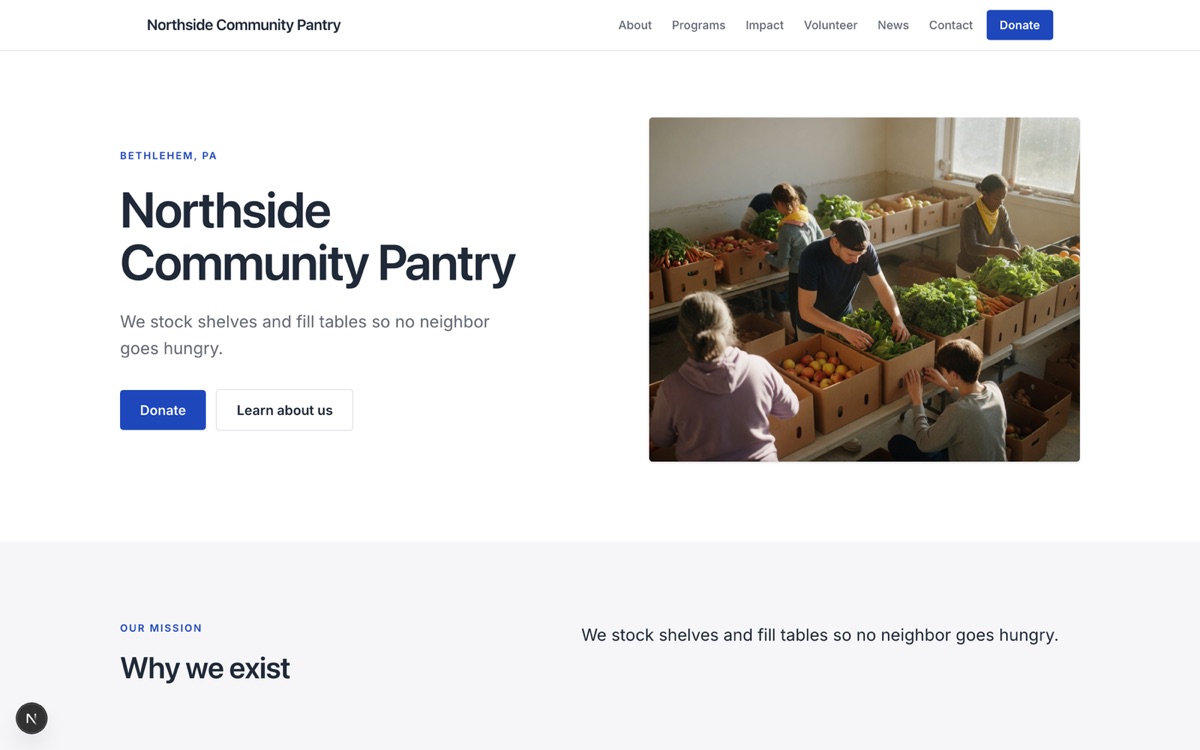
Civic
Food pantry
Plain, fast, legible. Hours and address first, for people who need help today.
Bearing 058
First Light
Same org, different look
One name, drawn twice. You see up to three of these, made with your own words and your own photographs, and you pick one.
What it costs
Picking one of the free concepts never costs anything. $499 design package: if the first three are not it, we keep designing with you, up to 10 more revisions. Most organizations pick one of the first three.
These are fair use limits, not meters. If your site ever gets close to one of them we will get in touch before anything is switched off, and going over is a conversation rather than an outage. Read the offer terms
More than a site
The same people who build the site make the video and the courses. A few samples of each, all of it work we have actually shipped.
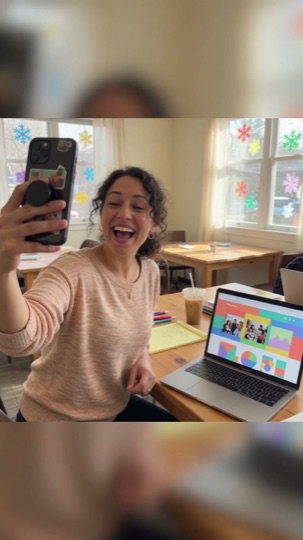


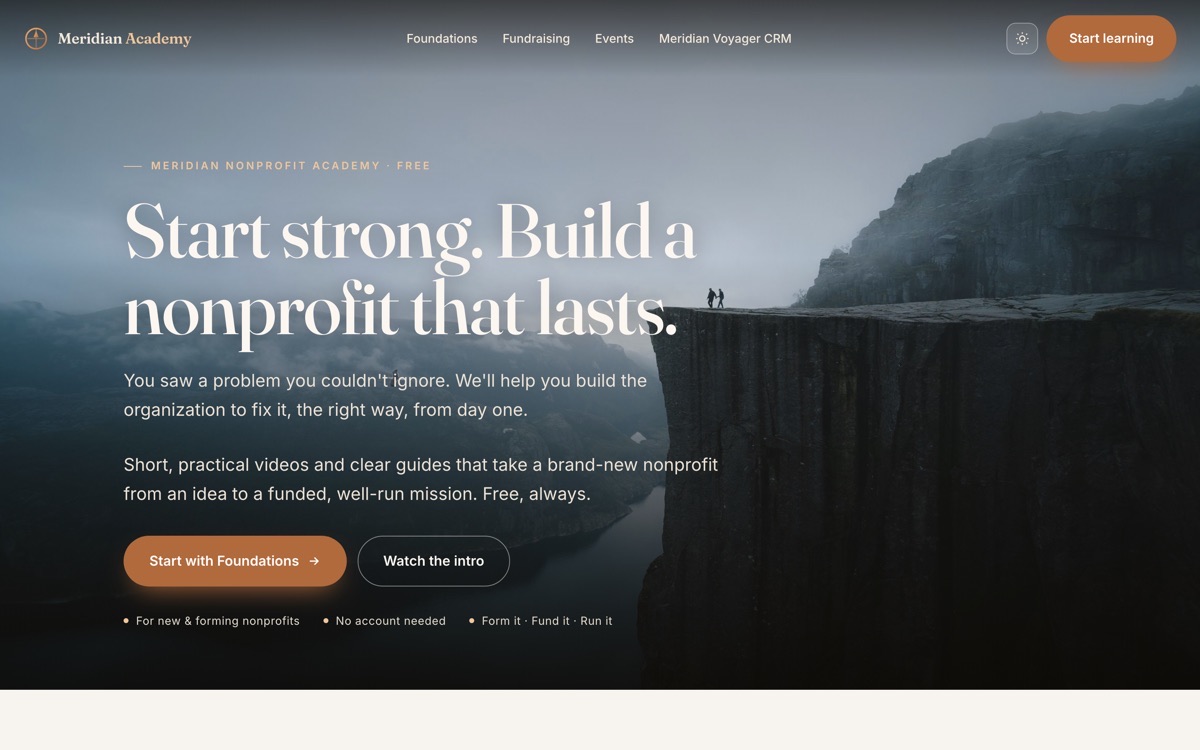
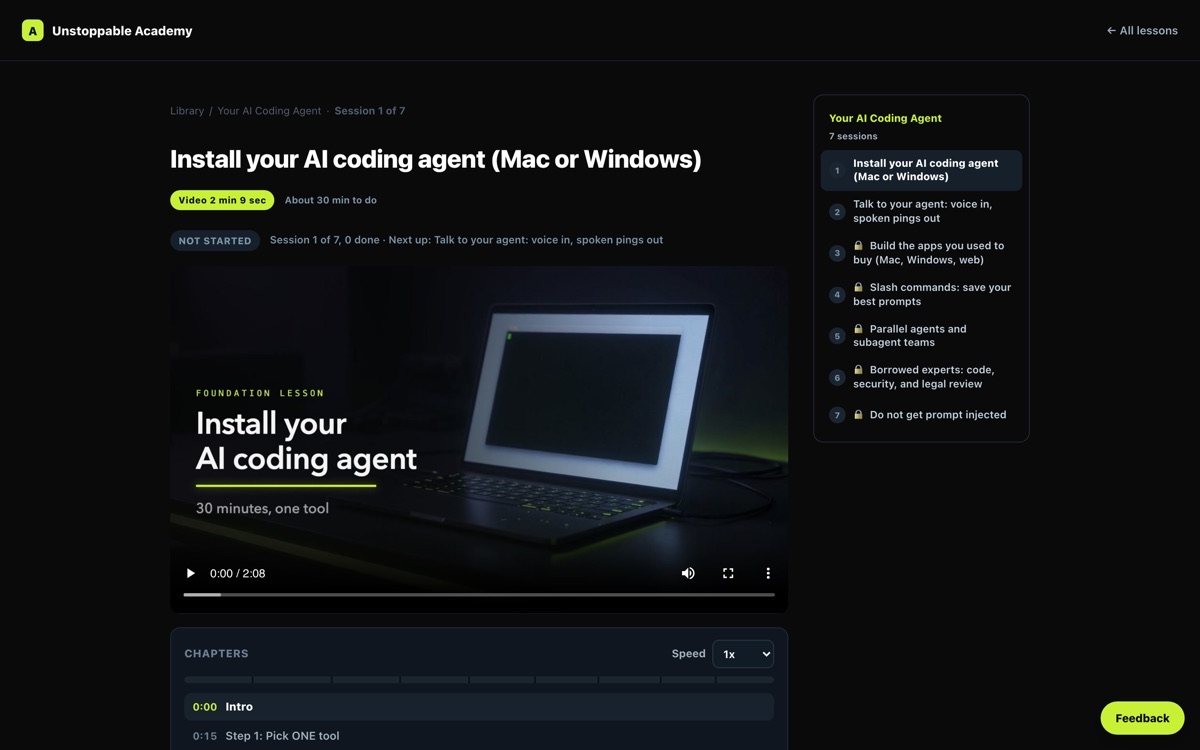
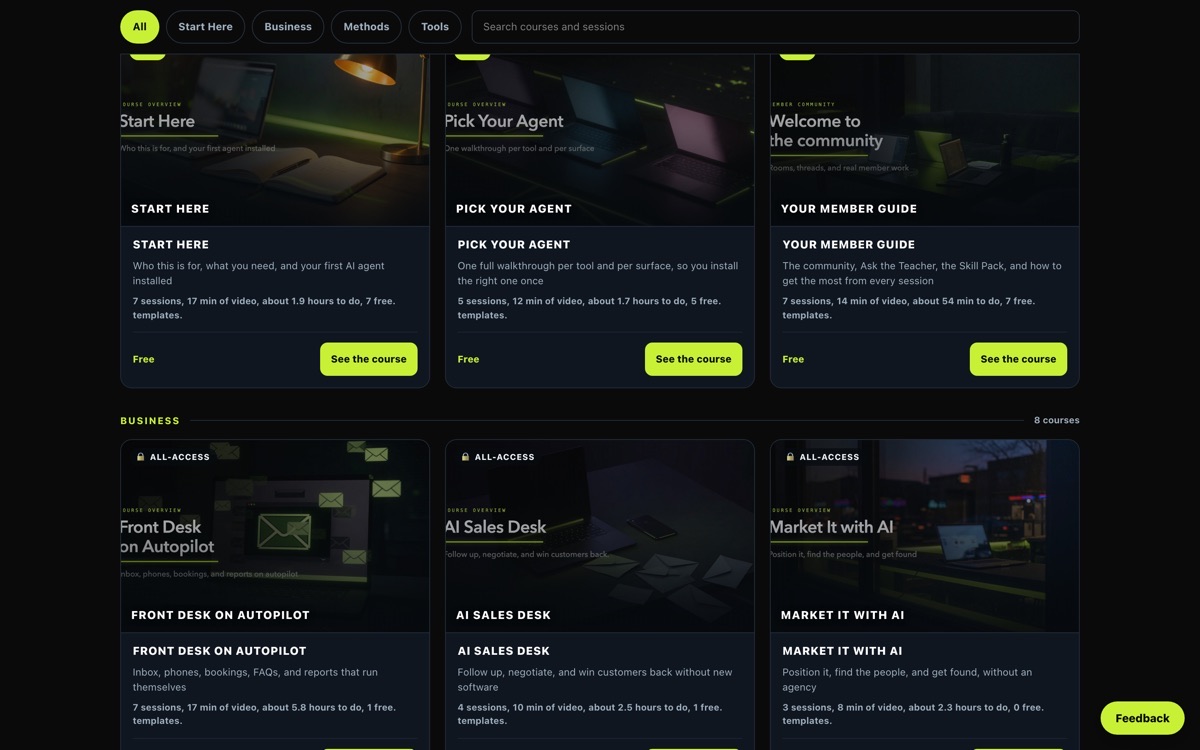
Real pages from academies we built and run, the free Meridian Nonprofit Academy and our own AI academy. No learner data is shown.
AI video service from $499/mo, course creation from $299/mo. See everything we do
Beyond the free site
The free build and the free hosting are the whole offer above. None of this is part of it. Every line here is already built, priced separately at nonprofit rates, and switched on whenever you want it.
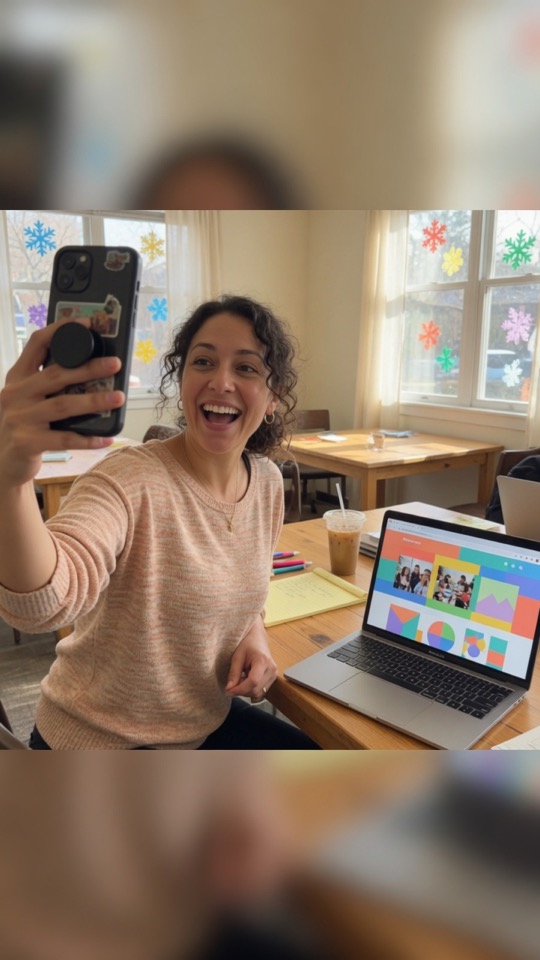
UGC testimonial
Cinematic story
Event recap
Explainer
Social short
Drone and b-roll
Grant finder with 12,000+ funders, plus a donor database
AI video service
6 to 20 second clips, or combined clips up to 30 seconds. $499/mo for one clip a business day, $999/mo for three a day.
UGC style video and photoreal creative
Included in the AI video service above.
Social media brand management
Instagram, Facebook, and TikTok.
SEO
CRM, automation, and business systems for nonprofits
Meridian Voyager's own published price for nonprofits.
Volunteer pages and scheduling
Event ticketing and management
Apple Wallet and Google Wallet membership passes
Passage: a membership card your supporters keep in their phone.
Course creation for your programs
Design package
$499 design package: if the first three are not it, we keep designing with you, up to 10 more revisions. Most organizations pick one of the first three.
All of it optional, all at nonprofit rates. Every dollar you do not spend on software is a dollar for your mission. Cancel anytime.
Four steps, about four minutes
No card, no contract, and nothing to cancel if you change your mind before we start. Everything except your legal name, your EIN, and how to reach you can be changed later from your own back office.
Your site exists the moment you press the button. Nothing is published to search engines until you say so. Donation pages stay switched off until your EIN is checked against the public IRS file and your own Stripe account is connected.
Open to any nonprofit with a 501(c)(3) determination. We reach out to newly formed nonprofits first because that is how we find you, not because anyone else is excluded.